
Choosing a Refindi plan depends on what your venue needs. The key difference between Standard and Light concerns thank-yous for staff: in the Standard plan staff tips are turned off, while in Light and Premium they are available – together with redirecting the guest to leave a review.
Refindi Standard – A Free Start
The Standard plan (0 EUR for the venue) covers the core Lost & Found process:
- QR Send – staff send the guest a link by SMS, WhatsApp or email,
- a welcome package with QR Send stickers,
- payment and courier selection in the guest form,
- a shipping label, shipment status information and a monthly report,
- an implementation checklist, team management and email support.
Standard does not include staff tips or redirecting the guest to leave a review.
Refindi Light – Tips and Reviews
The Light plan includes everything in Standard, plus:
- tips for staff via buycoffee.to,
- redirecting the guest to leave a review,
- your own communication templates,
- the Found Items Register,
- Customer Service support.
Comparison Table – Standard vs Light
| Feature | Standard | Light |
|---|---|---|
| Tips for staff | — | ✓ |
| Redirecting the guest to a review | — | ✓ |
| Own communication templates | — | ✓ |
| Customer Service support | — | ✓ |
| Implementation checklist | ✓ | ✓ |
| Monthly report and shipment status | ✓ | ✓ |
Tipping System in Refindi – How Does buycoffee.to Integration Work?
Refindi integrates with buycoffee.to — a Polish micro-payment platform that enables online tips.
After a positive experience, the guest can easily send a tip to a specific staff member.
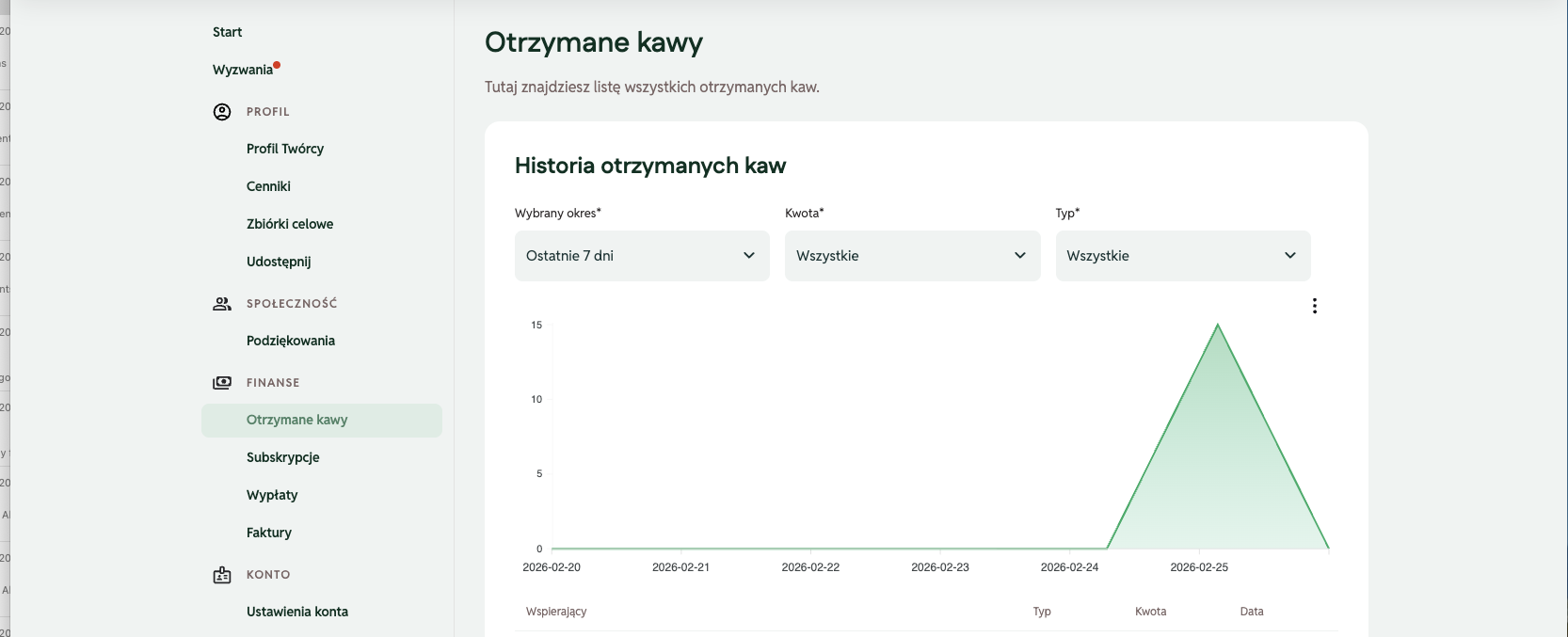
How to Create a buycoffee.to Account – Step by Step
Step 1 – Registration
- Go to buycoffee.to
- Click "Create account"
- Enter your email and set a password
- Confirm your email address
Step 2 – Complete your profile
- Add your name or profile name
- Set a photo (optional, but builds trust)
- Fill in the description
Step 3 – Payment details
- Fill in billing information
- Connect a bank account
- Configure payout preferences
Step 4 – Set up your tip link
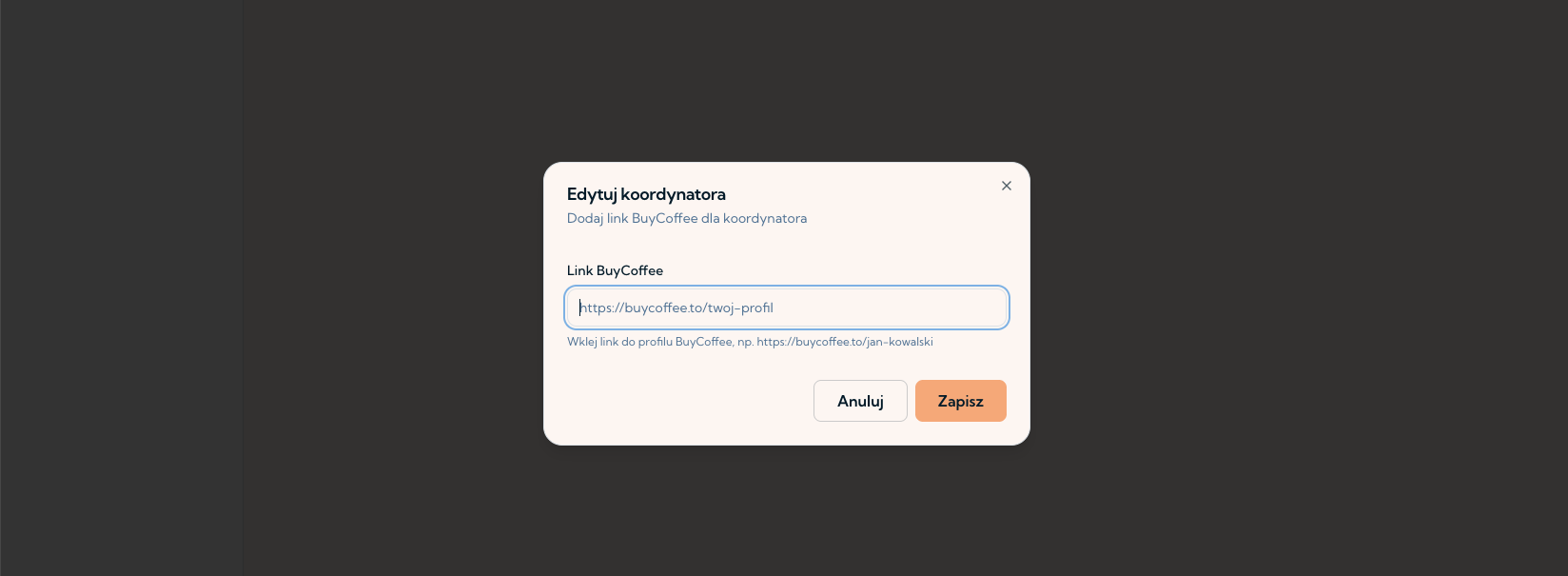
After registration, you receive a personal profile link (e.g. buycoffee.to/yourname). This is the link used in the Refindi tipping process.
How to Add the Link in Refindi?
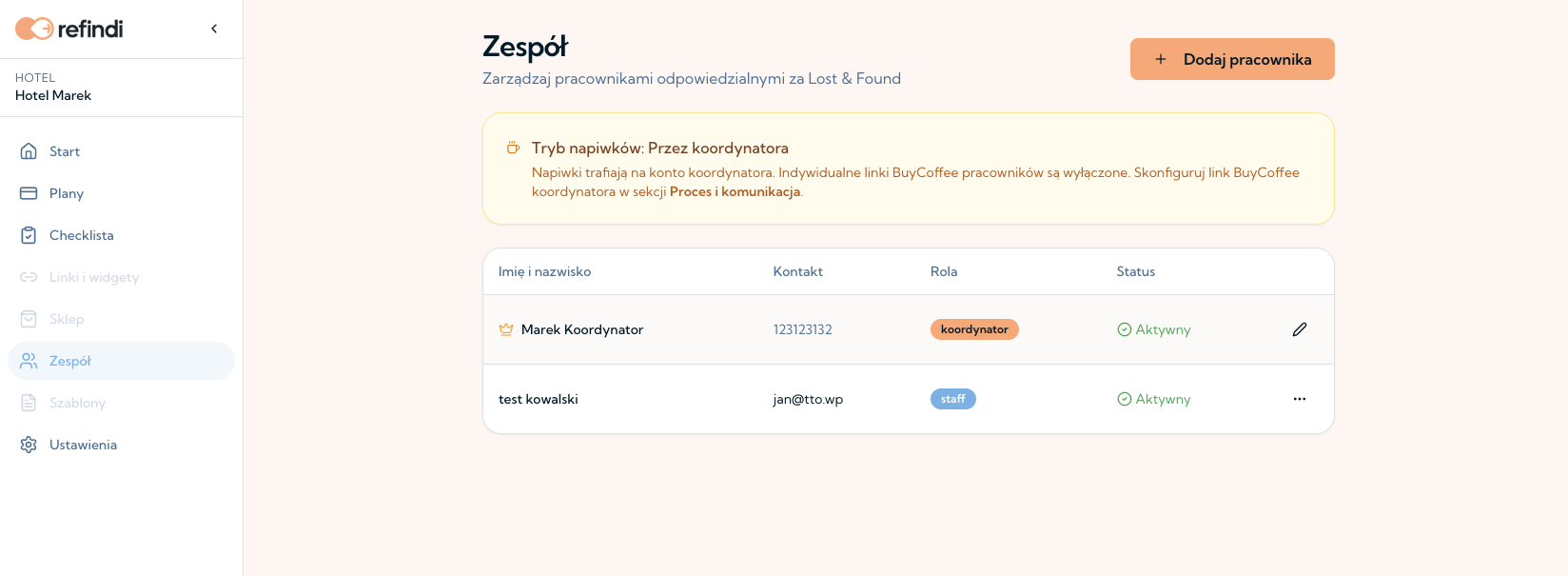
In the Light and Premium plans, the Coordinator can manage who receives tips.
Option 1 – Tips go to specific people
The Coordinator adds staff members with their buycoffee.to links. After the case is closed, the guest can go to the profile of the person who handled it and send a tip directly to their account.
Option 2 – All tips go to the Coordinator
You can also set up one account (e.g. the Coordinator's) that receives all tips. The Coordinator then distributes the funds within the team.
What Does the Tipping Process Look Like Step by Step?
- The guest receives their item.
- The guest gets a buycoffee.to link for the chosen person or the Coordinator and a request for a review.
- Tipping is completely voluntary.
- Funds go directly to the buycoffee.to account – Refindi does not handle the settlement.
When to Choose Standard vs Light?
Choose Standard if you want to organise returns for free and don't need staff tips.
Choose Light if you want guests to be able to thank your staff and review your venue.
FAQ – Frequently Asked Questions
How does Refindi Light differ from Standard?
In Standard, staff tips are turned off. In Light (and Premium) they are available together with redirecting the guest to a review, own communication templates, the Found Items Register and Customer Service support.
Are tips mandatory?
No. They are completely voluntary.
Do funds go directly to the employee?
Yes – if the individual model is chosen. In the other option, they go to the Coordinator.
Does buycoffee.to require a registered business?
It depends on how and how often you receive funds – check your own tax situation.
Summary
Standard is a free start with the full core return process. Light adds staff tips and guest reviews – the choice for venues that want to reward their team for found items.